
What's New with LineIQ: Saved Lines, Clearer Accumulator Comparisons, and This Blog
A roundup of recent LineIQ updates: saved lines, a cleaner decoupler comparison with line uptime, itemized investment for ROI, and a new home for articles like this one.
LineIQ Team1 min read
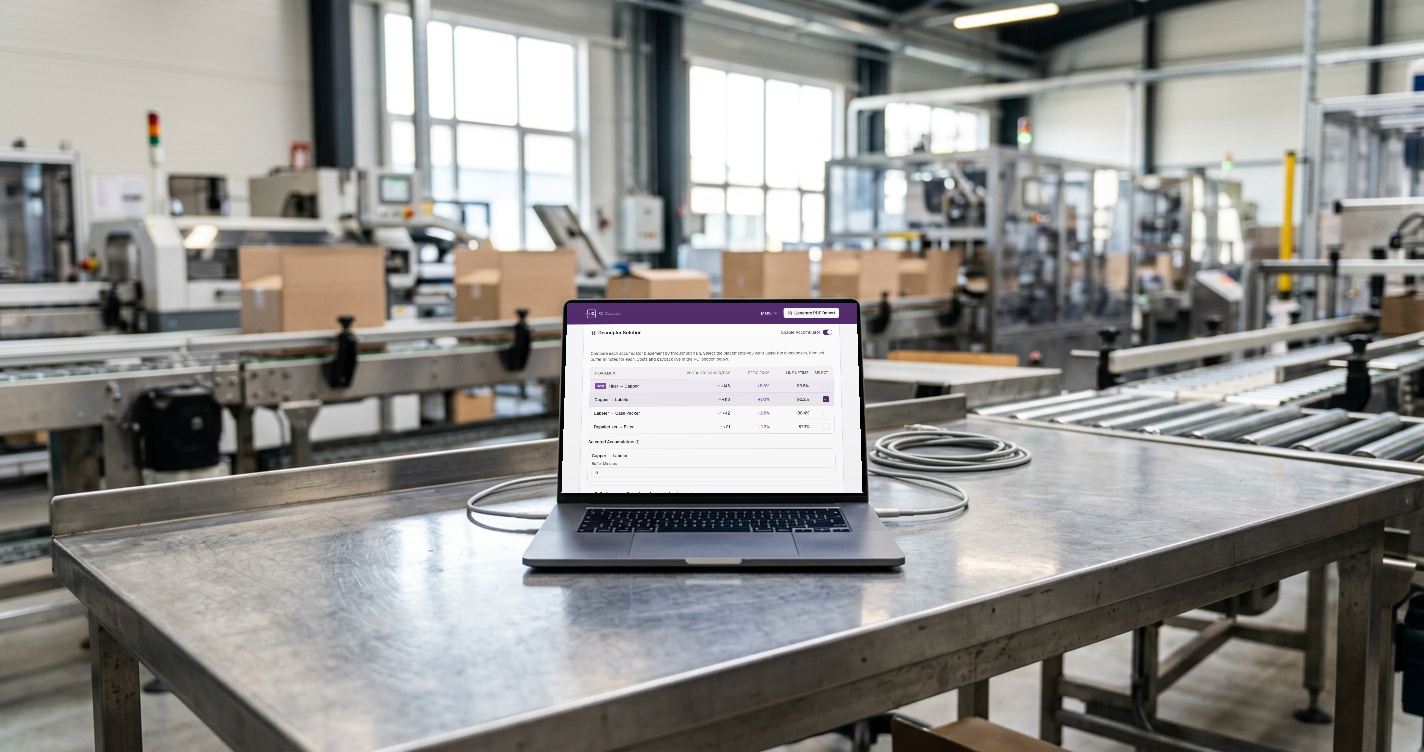
We've shipped a handful of updates to LineIQ recently. Here's what changed and why.
Save your lines
You can now save a line to your account and come back to it later. Machines, global inputs, accumulator settings, and scenarios are all kept together. Shared links still work the same way, so you can send a snapshot to a colleague or customer without them needing an account.
A clearer accumulator comparison
The Decoupler Solution section now focuses only on throughput. For each possible accumulator placement you'll see:
- Products gained per day
- Efficiency, the percentage throughput improvement
- Line uptime, the share of time the line actually produces at the bottleneck's rated speed
Cost and payback have moved out of this table. That keeps the comparison about which placement does the most for your line, separate from what it costs.
Itemized total investment
All the money now lives in the ROI section. Each accumulator you select appears there as its own line item with its own cost, and you can uncheck any item to leave it out of the total. If you already have a quote, turn on Use custom total investment to override the itemized sum. Payback and profit are calculated from that one total.
Existing saved lines and share links carried over automatically, including any per-accumulator costs and custom totals you'd already entered.
A new home for articles
This blog is new too. We'll post practical pieces on line efficiency, accumulation, and equipment upgrades here, along with product updates like this one.
Have a feature request or a line you want us to look at? Open the calculator and send us a shared link.